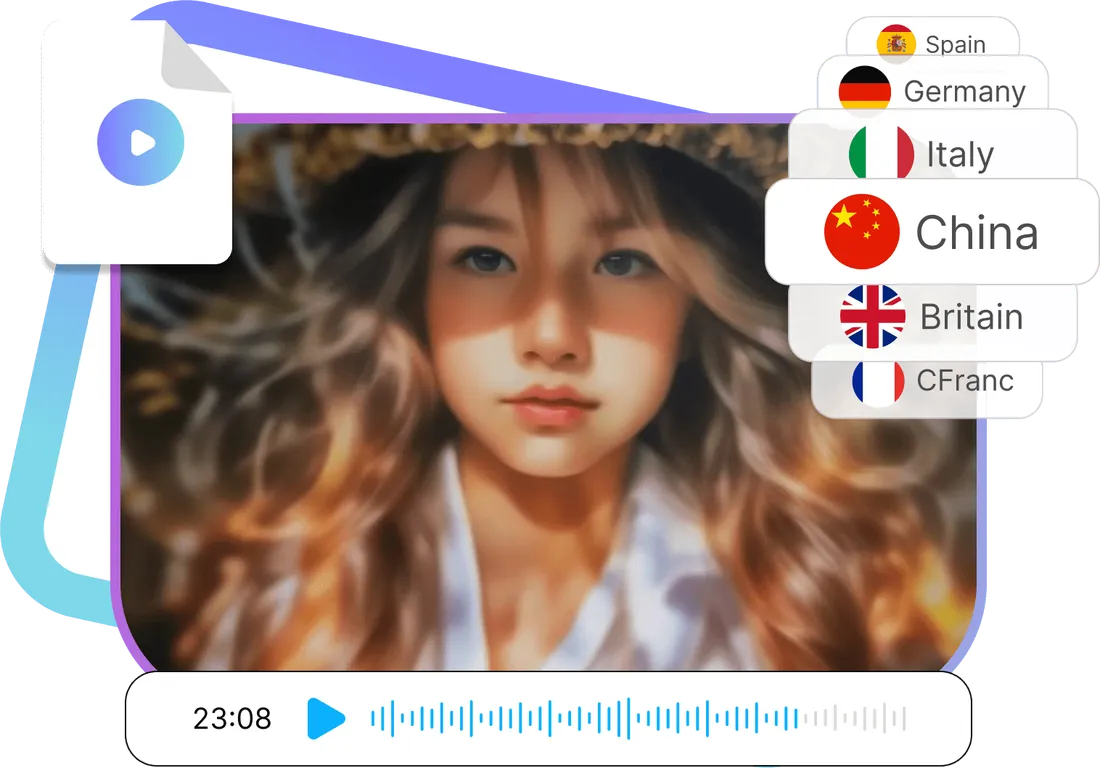
High speech recognition accuracy, automatic adjustment of speech rhythm, intelligent elimination of differences in sentence length between different languages, accurate translation and clear pronunciation of translated videos.
Original
Translate
Select Language
中文
How to translate a video?
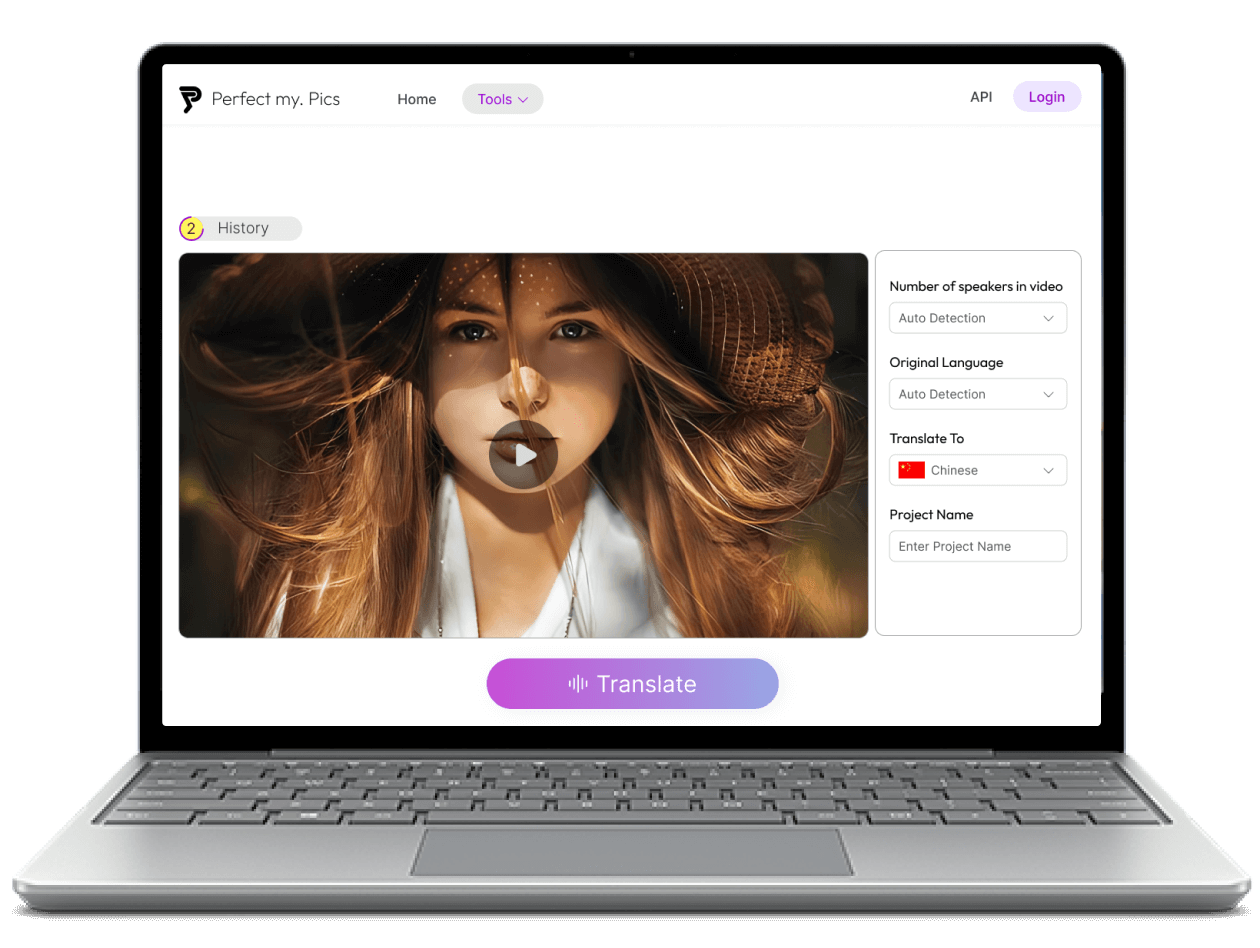
Step 1: Launch Video Translator and upload the video.
Launch Video Translator using a mobile or desktop browser, then click the Start button to enter the editing page. Click the upload button to browse and add the video you want to translate, or drag and drop the video into the page.
Step 2: Select your language
Select the target language for translation, we support Mandarin Chinese, English, German, Italian, Spanish, and French. Then enter the project name and click the Translate button to start translation.
Step 3: Automatically translate and save videos
PerfectMyPics automatically records new audio in your target language and replaces the original audio. Finally, go to the History page to download the processed video.
Effortless Translation in Minutes, Not Hours
Struggling to translate your videos? Ditch the time-consuming manual methods! PerfectMyPics's AI-powered video translator automatically translates audio into a whopping 6 major languages – all in minutes. This frees up your valuable time to focus on creating high-quality content.
Reach a Global Audience: Break Down Language Barriers
Imagine connecting with viewers across the globe! PerfectMyPics makes it possible. Translate your videos into a diverse range of languages, including popular choices like Spanish, French, and Chinese. This expands your reach, boosts brand awareness, and attracts new audiences in today's interconnected world.
Effortless Workflow: Create, Translate, and Export with Ease
Creating multilingual content with PerfectMyPics is a breeze. Simply upload your video, choose your desired languages, and let PerfectMyPics handle the rest. With the click of a button, your translated video is ready for export and sharing.
Focus on What Matters: Creating Captivating Content
Stop wasting time on tedious translation tasks. PerfectMyPics takes care of everything for you, allowing you to focus on what truly matters – crafting compelling video content that resonates with your global audience.
People love PerfectMyPics
Riley
Advanced Video Audio Translator
I've been using the video audio translator feature and it's been a game-changer for me. The AI technology is so advanced that it can translate videos into multiple languages with incredible accuracy. It's also incredibly easy to use, with a user-friendly interface that makes it simple to upload videos, select languages, and generate translations. I highly recommend this feature to anyone who needs to translate videos quickly and accurately.
5.0
Henry
Efficient Multilingual Video Translation
As a content creator, I often work with videos in multiple languages. The video audio translator feature has made my life so much easier. It's fast, efficient, and incredibly accurate, which saves me a ton of time and effort. I also love that it supports major languages, which means I can reach a wider audience with my content. If you're looking for a powerful and reliable video translation tool, this feature is definitely worth checking out.
5.0
Sadie
Breaking Language Barriers with PerfectMyPics
PerfectMyPics has truly revolutionized the way I create and share videos. It's opened up a world of possibilities, enabling me to connect with people from all corners of the globe and share my passion with a broader audience. I highly recommend PerfectMyPics to anyone looking to break down language barriers and expand their reach.
5.0
You ask a question, we answer it
How can I translate a video to English and other languages?
You can use PerfectMyPics's video translator tool to translate your video to English and other languages. Simply upload your video, select the language you want to translate it to, and let the AI do the rest. The tool will analyze your video and translate the audio track into the language.
Which is the best video translator?
There are many video translator tools available, but the best one depends on your specific needs and preferences. Some factors to consider include the number of languages supported, the accuracy of translations, the ease of use, and the cost. Our video translator tool is a great option because it uses advanced AI technology to deliver accurate translations in minutes, supports 6 major languages, and is easy to use.
What is the most accurate translator?
The accuracy of a translator depends on various factors, such as the complexity of the language, the quality of the audio, and the context of the content. While no translator is 100% accurate, our video translator tool uses advanced AI technology to deliver highly accurate translations. It can analyze the context of the content and provide translations that are faithful to the original meaning.
How can I download my translations?
Once you have translated your video using our video translator tool, you can easily download the translated version. Simply open history page and click on the "Download" button.
How many languages can I translate my video to?
Our video translator tool supports 6 languages, including Mandarin Chinese, English, German, Italian, Spanish, and French.
Is it safe to upload my photos and videos to PerfectMyPics?
Yes. Uploaded files are used only to process your request. PerfectMyPics keeps your content private, retains it only as long as needed to provide the service, and then deletes or anonymizes it, as described in our Privacy Policy.

 Start translation