
Login
Upscale Image
Transform blurry images into clear ones in seconds. Enhancing your photos is quick and easy
 Upload Image
Choose a image or drop it here
JPEG,JPG,PNG
By uploading an image or URL you agree to our Terms of Use and Privacy Policy
Drop your image here
(1 file at a time)
Clarify blurry images
Able to improve the clarity of old photos and low-quality photos.
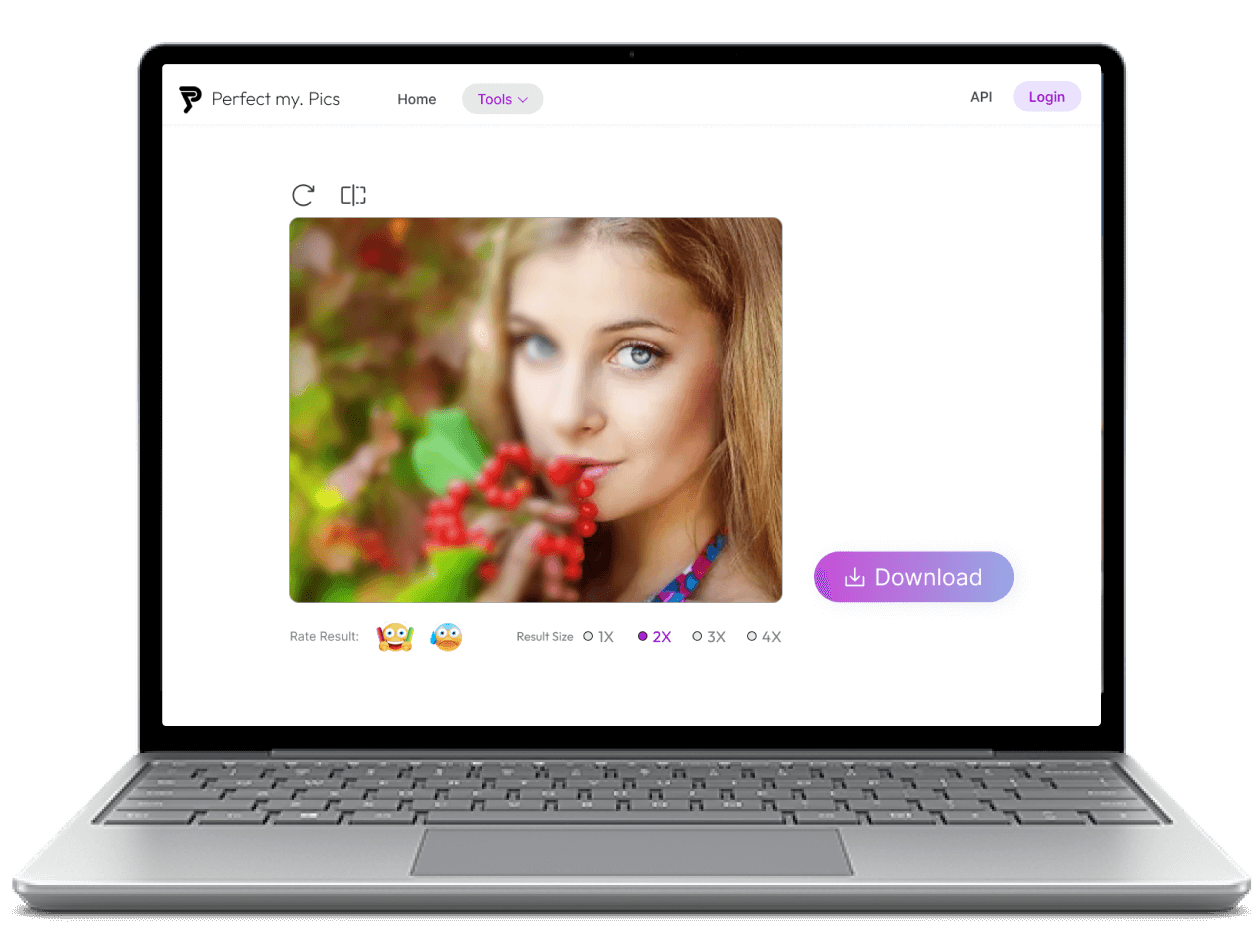
How to upscale image?
Step 1: Launch Upscale Image and upload the image.
Launch Upscale Image using a mobile or desktop browser, then click the upload button to browse and add the image, or drag and drop the image into the page.
Step 2: Automatically upscale image
PerfectMyPics automatically enhances your image for you, this will take a few seconds.
Step 3: Download images
Click Download button to download images that have been upscaled.
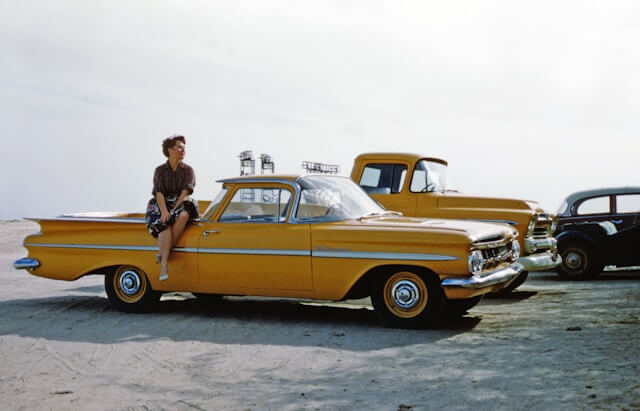
Revitalize Old Photos
Bring new life to your cherished old photos by enhancing their resolution with PerfectMyPics's AI Image Upscaler. Whether it's a faded family portrait or a historical snapshot, our tool intelligently increases image clarity and detail without compromising the photo's original charm. Experience the joy of seeing your old memories in stunning high definition, perfect for reprints or digital archives.
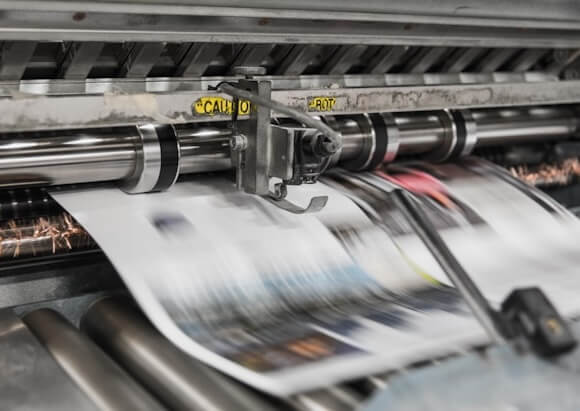
Professional Print Preparation
Ensure your images are print-ready with PerfectMyPics’s Upscale Image feature. Artists and photographers can now transform their digital artworks and photos into high-resolution files suitable for large-format printing. Our AI not only preserves but enhances fine details and textures, making sure every print exhibits the highest quality, whether it's for an exhibition or client presentation.

Enhance Social Media Content
Elevate your social media game by posting only the highest quality images. With PerfectMyPics, you can upscale images to ensure they look sharp and professional on any platform. Our AI-enhanced tool seamlessly improves resolution and clarity, so your photos stand out in the crowded space of social media feeds, attracting more views and engagement.

Optimize E-commerce Imagery
Enhance the appeal of your e-commerce site with high-resolution product images that capture every detail. PerfectMyPics’s Upscale Image feature allows online retailers to improve the quality of their product photos, ensuring that customers can see the finest details, from texture to color gradients. High-quality images are proven to increase customer.
People love PerfectMyPics

Mia
Ease of Use
I am thoroughly impressed with the simplicity of the Upscale Image feature! It's incredibly user-friendly—just a few clicks and my photos are instantly transformed. For someone who isn't tech-savvy, this tool is a lifesaver. It makes professional photo editing accessible to everyone.
5.0

William
High-Definition Quality
The free HD quality upgrade I get with this Upscale Image feature is unbelievable! I've upscaled several old and grainy photos, and they've turned out crystal clear, just like they were taken with a high-resolution camera. It's amazing to see such quality enhancement at no cost. This tool has truly exceeded my expectations.
5.0

Amelia
Excellent Detail Enhancement
The detail enhancement capability of this AI tool is nothing short of spectacular. Every time I upscale an image, I am amazed at how the finer details are preserved and enhanced. It's perfect for my photography work, where detail is everything. This tool not only improves image resolution but does so while enhancing the smallest details, making each photo pop.
5.0
You ask a question, we answer it
What is the best AI image upscaler?
PerfectMyPics upscales images up to 4K resolution for free, directly in your browser — no installation or signup. The AI intelligently adds pixels while enlarging, preserving details and textures, which makes it suitable for both professional photographers and casual users.
What is the best image quality enhancer?
PerfectMyPics stands out as a top image quality enhancer. Our AI-driven tool seamlessly improves resolution, sharpness, and overall image quality, ensuring your photos look their best with minimal effort.
How to restore old photos?
To restore old photos, simply upload them to PerfectMyPics and use our Upscale Image feature. Our AI will enhance clarity, correct faded colors, and improve detail, bringing your cherished memories back to life with stunning clarity.
How to unblur an image?
Use PerfectMyPics to easily unblur your images. Upload the blurry photo, select the upscale option, and our AI will automatically enhance sharpness and detail, making your image clear and vibrant.
How to upscale an image to 4K?
With PerfectMyPics, upscaling an image to 4K resolution is straightforward. Upload your photo, select the 4K upscale option, and let our AI handle the rest, delivering a high-resolution image with enhanced details.
Can I upscale an image to 4K?
Yes, you can upscale any image to 4K resolution using PerfectMyPics. Our AI upscaler adjusts the image to 4K quality without compromising on the details or clarity.
How to upscale an image without losing quality?
To upscale an image without losing quality, use PerfectMyPics’s Upscale Image tool. It intelligently increases the resolution while preserving and even enhancing the original details and textures.
How can I upscale an image online for free?
PerfectMyPics offers a completely free service to upscale images online. Just visit our website, upload your image, and choose your desired resolution. Our AI will do the rest, enhancing your photo for free.
Will enhancing the image alter its size?
Yes, enhancing the image with our upscaling tool will increase its dimensions and resolution, but the file size change will depend on the extent of the upscaling and the image format.
Is this upscaling tool free to use?
Yes, the Upscale Image tool on PerfectMyPics is completely free to use. We provide a powerful AI solution that enhances images at no cost, making high-quality photo editing accessible to everyone.
Is it safe to upload my photos and videos to PerfectMyPics?
Yes. Uploaded files are used only to process your request. PerfectMyPics keeps your content private, retains it only as long as needed to provide the service, and then deletes or anonymizes it, as described in our Privacy Policy.